
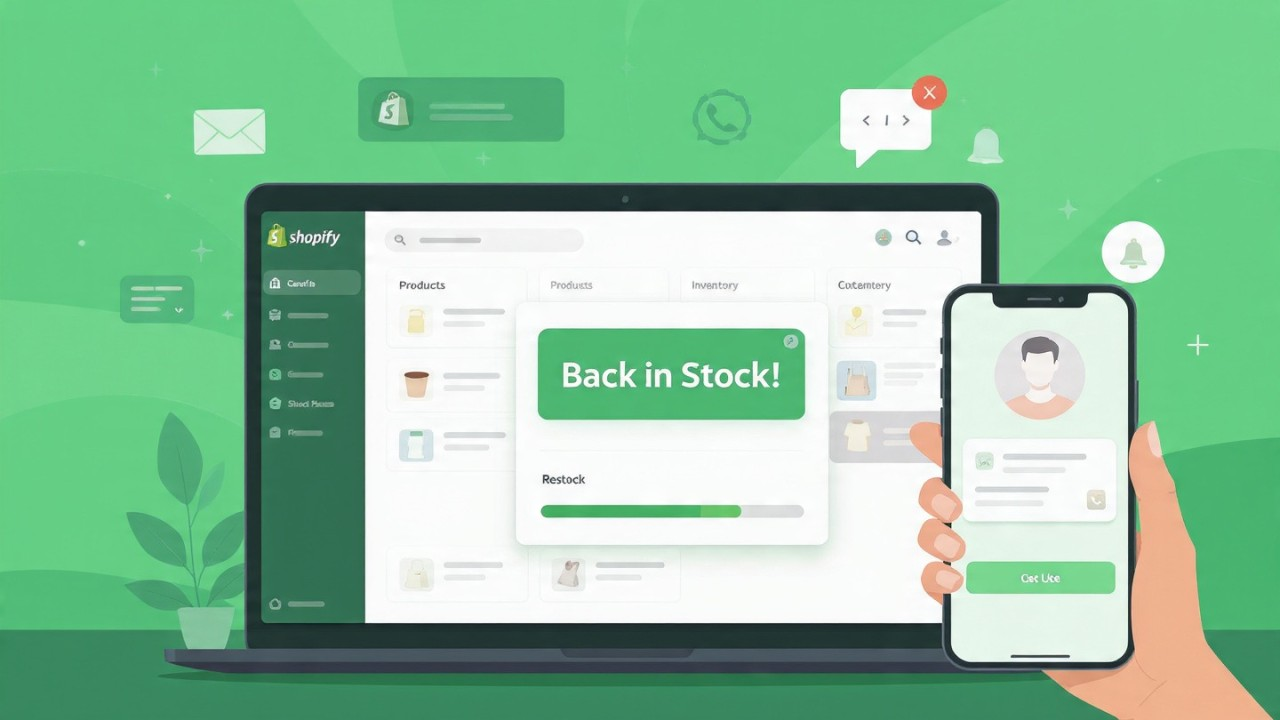
If you’ve ever had a product go out of stock on your Shopify store, you probably know the feeling: someone visits your site, sees “Out of stock,” and… disappears forever. 😅That’s exactly why I started using back‑in-stock notifications — they’re a lifesaver for keeping potential customers engaged and turning “lost” visits into real sales.
Let Customers Sign Up for Alerts
The idea is simple: when a product is sold out, let customers subscribe to get notified when it’s back. On my store, I just added a “Notify Me” button right on the product page.Visitors can drop their email or phone number, and the app automatically sends them a message when inventory is back. It’s basically turning frustration into engagement.I personally use apps like Back In Stock Notifier — it plugs into Shopify easily and handles all the emails automatically. Super convenient.
Real-Time Tracking Makes a Difference
The magic is in real-time notifications. The app watches your inventory, and the second a product comes back, it sends an alert. No manual emails, no missed opportunities.This has saved me so many lost sales — some customers would have bought immediately if they had known the product was available again.
Use Multiple Channels
I learned it’s not enough to just send emails. Some people never check email regularly, so I also enable SMS notifications. Push notifications can work too if your store has that setup.The key is to reach customers where they actually pay attention — this makes a huge difference in conversions.
Learn from Customer Demand
Here’s something I didn’t expect at first: the subscriber lists actually show me which products are in high demand.If dozens of people sign up for alerts for a single item, that tells me I should prioritize restocking it. It’s like having a mini market research tool built into your Shopify store.
Make It Personal
I like to customize the messages a bit — even small tweaks make customers feel it’s tailored to them. You can mention the product name, maybe offer a small discount for waiting, or highlight related items.Little touches like this increase the chance they’ll come back and actually buy.
My Tips for Shopify Sellers
- Add the “Notify Me” button wherever it makes sense, not just on product pages.
- Segment your subscribers and follow up with related products if they didn’t buy the first one.
- Track which products get the most alerts — it’s free data on what your audience wants.
- Keep your alerts simple, fast, and on point — the goal is for the customer to click and buy immediately.
Bottom Line
Back-in-stock notifications have honestly changed how I handle out-of-stock situations. They recover sales that would otherwise be lost, give me insight into product demand, and keep my customers happy.If your Shopify store has inventory issues from time to time, I’d highly recommend trying it — even a simple setup can save you a lot of lost revenue.
