
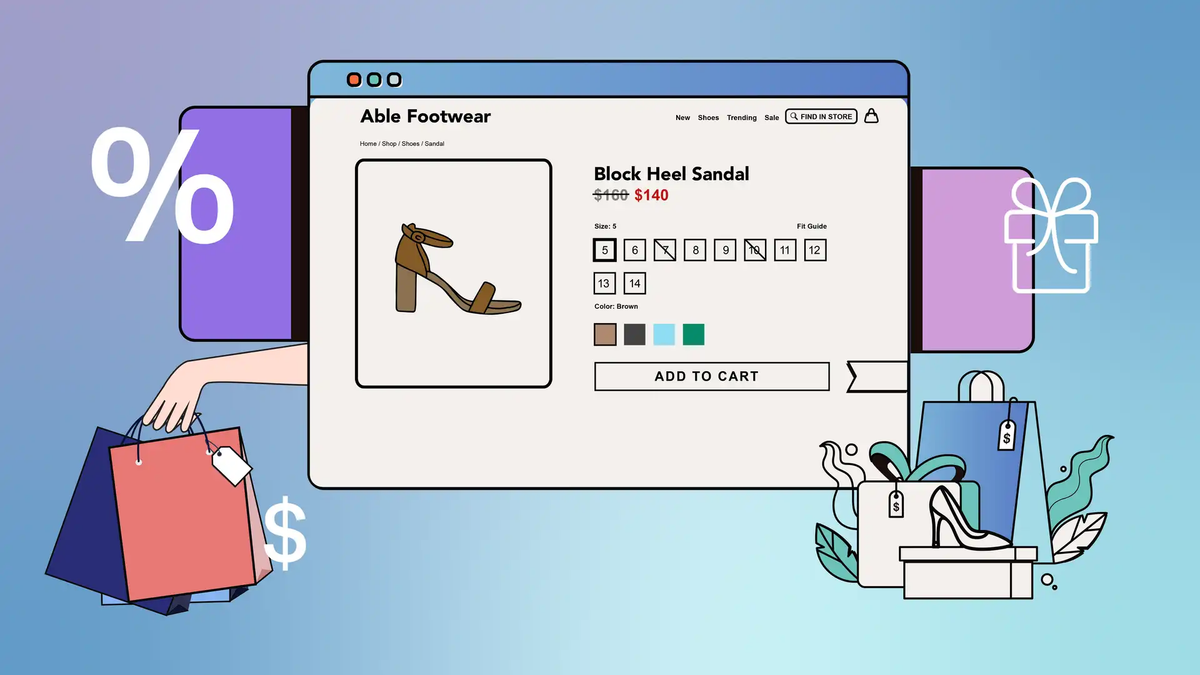
For a long time, I underestimated how important it is to show discounts directly on Shopify product listings.I used to think, “As long as there’s a discount at checkout, customers will notice.”
In reality, most visitors never even reached checkout.What finally made a difference was simple: letting customers see the discount before they click.Here’s how I usually handle sale prices and strikethrough discounts on Shopify, based on what works in real stores—not theory.
Most Shoppers Decide Before Clicking
When people land on a collection page, they don’t read. They scan.They compare:
- Images
- Titles
- Prices
If one product clearly shows it’s on sale and another doesn’t, the choice is often made instantly.That’s why hiding discounts until the product page—or worse, until checkout—almost always underperforms.
The Only Method I Fully Trust: “Compare at Price”
After trying different setups, I always come back to the same solution: Shopify’s Compare at price.It’s not fancy, but it works everywhere.
How I Set It Up
- Price → the actual sale price
- Compare at price → the original price
As long as the compare price is higher, Shopify treats the product as discounted.Most modern themes automatically:
- Show the original price with a strikethrough
- Highlight the sale price
- Add a small “Sale” label on collection pages
No apps. No hacks.And more importantly, it’s the only method that stays clean when you start running ads.
Why I Avoid Discount Codes for Visual Discounts
Discount codes sound convenient, but I rarely rely on them for promotions meant to boost conversion.The reason is simple:
- The product still looks “full price” on the listing page
- The discount only appears at checkout
- Many users never get that far
Discount codes are fine for:
- Email campaigns
- Loyalty offers
- Influencer partnerships
But for collection-page impact, they’re usually the wrong tool.
When the Default “Sale” Label Isn’t Enough
In competitive niches, a tiny “Sale” badge doesn’t always stand out.If the theme allows it, I usually enable:
- Sale badges on product cards
- Compare price display in collections
Some themes even support showing discount percentages.If not, a small Liquid snippet can calculate it automatically from real prices—no manual input needed.What I like about this approach is that:
- The math is always correct
- You don’t forget to update anything
- Pricing stays consistent across the store
What I Don’t Recommend (Even If It Looks Good)
I’ve seen stores fake a strikethrough price using CSS or apps without actually setting a compare price.It might look convincing, but it creates problems:
- Ad platforms can flag your feed
- Customers feel misled
- Scaling campaigns becomes risky
If the discount is real, it should exist in Shopify’s pricing fields.Anything else is a short-term trick.
My Simple Rule for Discounts on Shopify
If a product is on sale, customers should know before they click.That usually means:
- Real sale price
- Real compare price
- Visible directly on the collection page
Everything else—badges, percentages, styling—is secondary.Once I started doing this consistently, I noticed:
- Higher click-through rates on collections
- Fewer price objections on product pages
- Better performance from paid traffic
